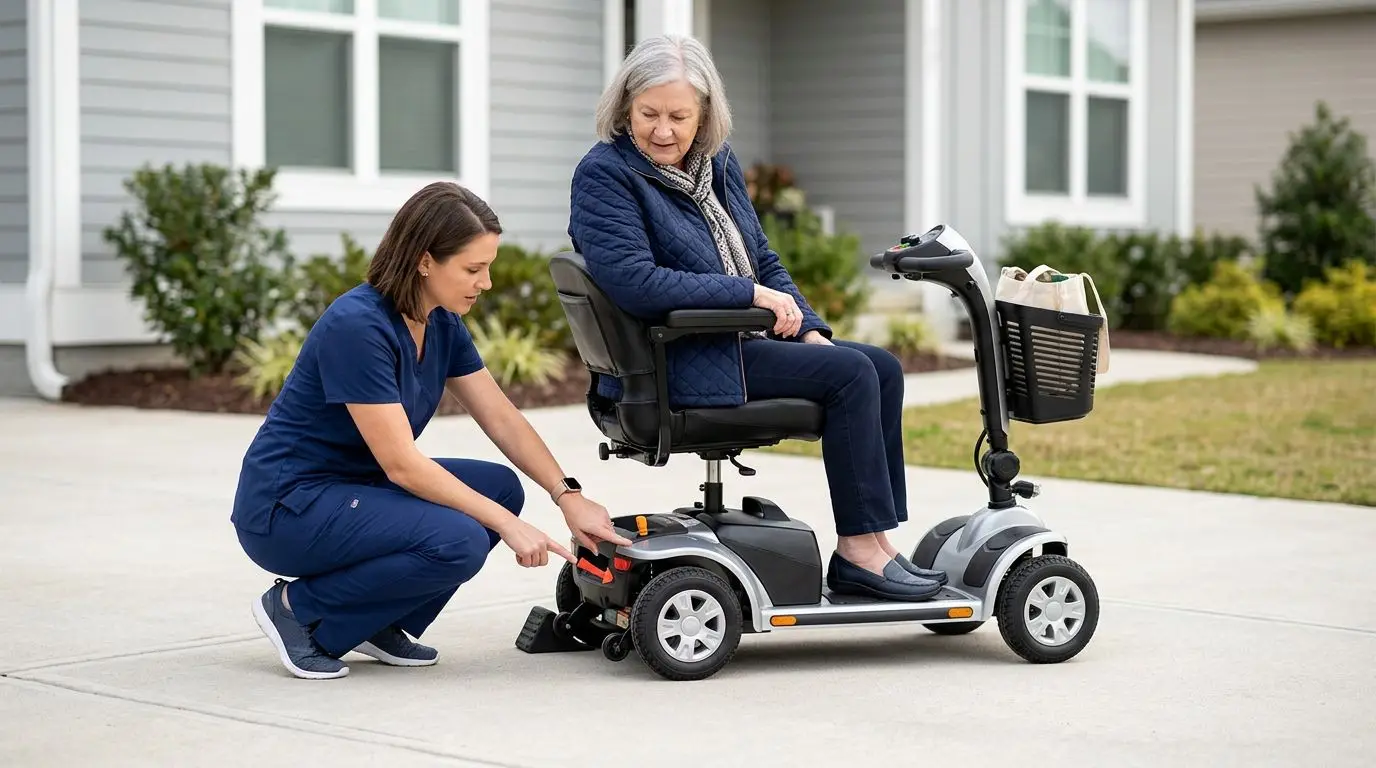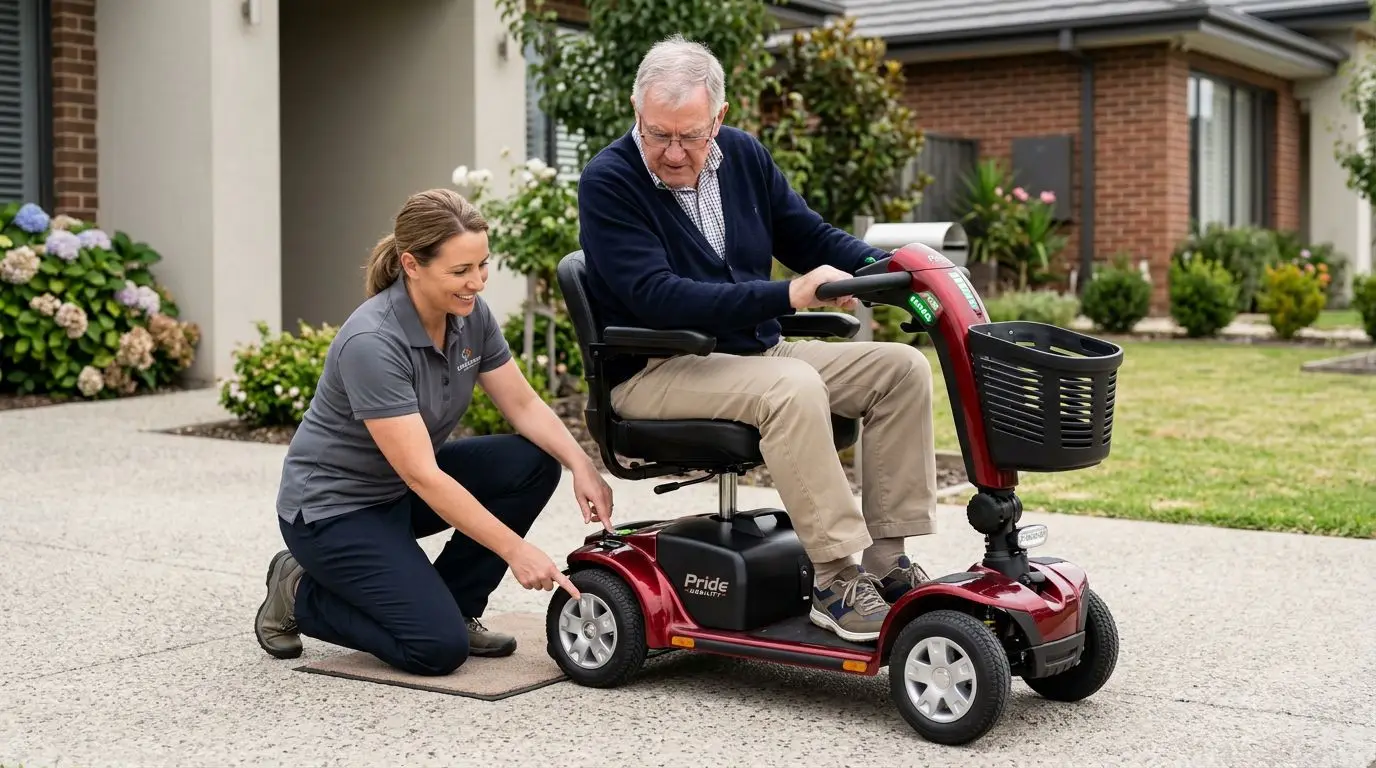
If your mobility scooter keeps beeping or will not move, the most common causes are a low or loose battery, a disengaged freewheel lever, a throttle that is not returning to neutral, or an electromagnetic brake warning. Stop using the scooter, move it to level ground if you can do so safely, turn it off for 30 seconds, then restart and check the battery, brake release lever, seat position, and any beep or light code before riding again.
Do not ignore a warning beep. It is the scooter’s way of telling you the controller has detected a condition that could affect movement, braking, or safe operation.
First 2 minutes: make the scooter safe before troubleshooting
Before looking for the cause, make sure the scooter cannot roll, tip, or block a walkway. Most mobility scooters weigh well over 100 pounds, and larger units can be much heavier, so do not try to lift or drag one by yourself unless it is designed to be disassembled and you know the process.
- Take your hand off the throttle or wig-wag lever.
- Turn the key or power switch off.
- Set the scooter on flat ground if possible.
- Keep your feet on the platform, not under the scooter.
- Do not push the scooter downhill, even a short ramp.
- If you smell burning, see smoke, or hear grinding, stop and arrange service.
Wait about 30 seconds before turning the scooter back on. Many controllers need a short pause to clear a temporary start-up fault. If the scooter immediately beeps again, count the beeps or watch the flashing indicator before switching it off. That pattern is often the clue.
If the scooter stopped in a doorway, parking lot, or crosswalk, focus first on getting to a safe location. Ask another person for help, use the manual freewheel only on level ground, and re-engage the brake as soon as the scooter is moved.
What common beep patterns can mean: 1 to 10 alerts
Beep codes are not universal. A 5-beep warning on one scooter may mean something different on another, so the owner’s manual is the final reference. Even so, most scooters use audible beeps, flashing battery lights, or display codes to point toward a general problem area.
| Warning sign | Common meaning | First check |
|---|---|---|
| Continuous beep at start-up | Throttle is not centered, brake is released, or a switch is out of position | Let go of the throttle, turn off for 30 seconds, restart |
| Repeated short beeps | Controller detected a fault | Count the beeps and compare with the manual |
| Battery lights flashing | Battery charge, connection, or voltage issue | Check charger, battery seating, and terminals |
| Beep when throttle is pressed | Brake not engaged, motor inhibited, or low voltage under load | Check freewheel lever and battery level |
| No beep, no lights | No power to the controller | Check key, main breaker, battery pack, and fuse if accessible |
When counting beeps, listen for a repeating group. For example, the scooter may beep 3 times, pause, then beep 3 times again. That is usually one code, not six separate warnings.
Do not clear a code by repeatedly switching the scooter on and off without finding the cause. If there is a brake or wiring fault, forcing the scooter to move can make the situation worse.
Battery checks for 24-volt scooter systems
Many mobility scooters use a 24-volt battery system made from two 12-volt batteries, though the exact battery type and layout varies. Low voltage is one of the most common reasons a scooter beeps, slows down, clicks, or refuses to move.
Begin with the simple checks. Is the charger plugged into a working wall outlet? Did the charger indicator show a full charge? Was the scooter stored for more than 2 to 4 weeks without charging? Batteries can lose charge during storage, and older batteries may show full on the gauge but sag under load when you press the throttle.
Signs the battery may be the problem
- The scooter powers on but dies when you accelerate.
- The battery gauge drops quickly from full to low.
- The scooter beeps on hills, ramps, or thick carpet.
- The charger never changes to a full or ready indication.
- The scooter runs for only a few minutes after charging overnight.
Check that the battery pack is fully seated. On travel scooters, a removable battery box can look locked in place while one connector is not making full contact. Remove it only if the scooter is off and the process is described in the owner’s manual, then reseat it firmly.
Look for corrosion, loose terminals, cracked battery cases, or swollen batteries. Do not touch damaged wiring or leaking batteries. If a battery is hot, smells like sulfur, or appears swollen, stop using it and contact a qualified technician or battery supplier for safe handling.
A normal full charge often takes 6 to 12 hours, depending on battery size and charger output. Leaving the charger connected according to the scooter’s instructions is usually acceptable for modern approved chargers, but using an incorrect charger can damage batteries or create a safety risk.
Electromagnetic brake checks in 30 seconds
Most mobility scooters use an electromagnetic brake mounted near the motor or transaxle. When the scooter is powered and ready, the brake releases as you press the throttle. When you let go, power is cut and the brake engages automatically, often within a second.
If that brake is not in the correct position, the scooter may beep and refuse to drive. This is intentional. The controller is preventing powered movement because it cannot confirm that the brake is engaged or ready to operate safely.
Quick brake-related checks
- Make sure the freewheel lever is in the drive position.
- Turn the scooter off, wait 30 seconds, and restart with the throttle untouched.
- Listen for a soft click near the rear when pressing and releasing the throttle.
- Check for debris around the rear wheels, motor area, or brake release lever.
- Do not lubricate the electromagnetic brake unless the manual specifically says to do so.
A brake fault may sound like a steady beep or a repeating code. It may also appear after the scooter has been pushed manually and the lever was not fully returned to drive. On some scooters, the lever has a firm detent; on others, it is easy to leave it halfway between positions.
If the scooter rolls freely when it is supposed to be in drive mode, do not ride it. That can mean the brake is disengaged, misadjusted, or not holding. Arrange service before using the scooter on ramps, sidewalks, or near traffic.
Freewheel mode: a 1-lever mistake that stops many scooters
Freewheel mode allows someone to push the scooter manually, usually by moving a single lever near the rear of the scooter. It is useful when the battery is dead, but it also disables powered drive and may trigger beeping.
| Lever position | What it does | What you may notice |
|---|---|---|
| Drive mode | Brake engaged and scooter can drive under power | Scooter should resist rolling when off |
| Freewheel mode | Brake released for manual pushing | Scooter may beep and refuse throttle input |
| Halfway or not seated | Controller may see an unsafe brake state | Intermittent beeps or no movement |
To check it, turn the scooter off first. Move the freewheel lever fully to the drive position, then gently rock the scooter a few inches. If the brake is engaged, the scooter should not roll freely. Turn the power back on and try again on level ground.
Never sit on the scooter while another person pushes it in freewheel mode unless the manual says that is permitted and you are on flat ground. Without the electromagnetic brake engaged, the scooter can roll faster than expected.
Throttle, seat, and start-up checks that take 60 seconds
Many no-drive complaints come from a start-up safety interlock rather than a broken motor. The controller expects the throttle to be centered when the scooter powers on. If the lever is pressed, stuck, or bumped by a bag, cane, or hand, the scooter may beep and lock out movement.
- Turn the scooter off.
- Let the throttle return fully to neutral.
- Remove items hanging from the tiller.
- Check that the speed dial is not set to zero or its lowest stop.
- Make sure the seat is locked and facing forward if the scooter has a swivel seat sensor.
- Restart without touching the throttle.
A sticky throttle can happen after exposure to rain, dust, spilled drinks, or general wear. It should spring back smoothly every time. If it does not, do not drive the scooter until it is cleaned, adjusted, or repaired.
Some scooters also inhibit driving while charging. If the charger is still plugged into the scooter, it may power the display but prevent movement. Unplug the charger from the scooter, store the cord, then restart.
Motor, controller, and wiring clues after 5 years of use
Age matters. After several years of regular use, wiring connectors, brake assemblies, throttle pots, bearings, and batteries can all wear. A scooter that is more than 5 years old and beeping under load may have more than one issue at the same time.
Look for patterns. Does it happen only uphill? Only after 20 minutes? Only after riding through wet grass? These details help a technician narrow the problem without guessing.
| Symptom | Possible area | What to do |
|---|---|---|
| Clicks but will not move | Low voltage, brake, or controller | Charge fully and check brake lever before service call |
| Moves a few feet, then beeps | Battery sag or motor overload | Test on flat ground with a full charge |
| Jerky acceleration | Throttle, controller, or loose connection | Stop riding until inspected |
| Burning smell | Electrical or motor overheating | Turn off immediately and arrange service |
| Beep after rain exposure | Moisture in controls or connectors | Dry safely; do not use heat guns or open sealed parts |
Do not open the controller housing, splice wires, bypass safety switches, or defeat the brake circuit. Those parts are designed to fail safe. A bypass may make the scooter move, but it can remove the very protection that prevents an unexpected rollaway.
How to measure load, slopes, and surfaces before blaming the scooter
A scooter may beep or shut down when it is asked to do more than it was designed to do. Common limits include rider weight, cargo weight, slope angle, and surface resistance. Even a 2-inch curb lip or deep carpet can overload a small travel scooter.
Start with total load. Add the rider’s weight plus anything carried in baskets, bags, oxygen holders, or rear accessories. Compare that number with the scooter’s stated weight capacity. Staying under the maximum is important, but performance can still drop on hills or soft surfaces.
Simple at-home checks
- Measure doorway thresholds and curb lips with a tape measure.
- Note the length and rise of ramps; a 1:12 ramp rises 1 inch for every 12 inches of length.
- Check tire pressure if the scooter has air-filled tires.
- Remove heavy items from the basket and test again on flat pavement.
- Try low speed first; sudden full-throttle starts can trigger load warnings.
Soft ground, gravel, snow, wet leaves, and thick rugs increase resistance. A scooter that works perfectly indoors may struggle in a grassy yard. That does not always mean something is broken; it may mean the scooter type is not suited to that surface.
How to choose the right troubleshooting path: 4 common scooter types
The right check depends partly on the scooter design. A compact travel scooter with small wheels and a removable battery pack has different weak points than a full-size outdoor scooter with larger tires and higher battery capacity.
| Scooter type | Common no-move causes | Best first checks | Typical user fit |
|---|---|---|---|
| Portable travel scooter | Battery box not seated, small battery depleted, freewheel lever moved during transport | Reseat battery, charge 6 to 12 hours, confirm drive mode | Short trips, car transport, smooth surfaces |
| 3-wheel standard scooter | Throttle start-up fault, low voltage on ramps, loose rear connector | Restart hands-free, check charge, inspect visible plugs | Indoor maneuvering and moderate outdoor use |
| 4-wheel standard scooter | Brake release lever, battery aging, overload on uneven ground | Check freewheel, test flat pavement, review total load | More stability on sidewalks and errands |
| Heavy-duty outdoor scooter | High current draw, worn batteries, motor or brake heat | Let cool 15 to 30 minutes, check tire pressure, arrange service if repeated | Longer outdoor routes and higher load needs |
Who is this guide best for? It is most useful for scooter owners, caregivers, facility staff, and family members who need a safe first-pass checklist before calling for repair. It is not a substitute for the owner’s manual or a trained technician, especially when brakes, wiring, or battery damage are involved.
When to stop and call for service within 24 hours
Some problems should not be handled as a home troubleshooting project. If the scooter has a brake warning that returns after basic checks, or it rolls when it should not, stop using it and arrange service as soon as practical, ideally within 24 hours if you rely on it daily.
- The scooter rolls freely in drive mode.
- The brake warning returns after the freewheel lever is reset.
- There is smoke, heat, a burning odor, or melted plastic.
- Wires are damaged, pinched, or exposed.
- The scooter stops unpredictably in traffic areas.
- The throttle sticks or does not return to neutral.
- Batteries are swollen, leaking, or unusually hot.
If you use the scooter as your main way to move around the home or community, plan a backup before it fails completely. Keep a charger in a known spot, store the manual where someone can find it, and write down the scooter’s serial number and battery type if available.
FAQ: 5 quick answers about beeping and no-drive faults
Why does my mobility scooter beep but not move?
It is usually warning you about a safety or power condition. Common causes include low battery voltage, freewheel mode, a throttle that was not centered at start-up, an electromagnetic brake fault, or a loose battery connection.
Can I reset a mobility scooter by turning it off?
Sometimes. Turn it off, wait about 30 seconds, make sure the throttle is untouched and the freewheel lever is in drive, then turn it back on. If the same warning returns, treat it as an active fault.
Why does the scooter beep when I press the throttle?
A beep during throttle input often points to low voltage under load, a brake not fully engaged, or a controller lockout. Test only on flat ground after a full charge, and stop if the brake warning remains.
Is it safe to push a mobility scooter in freewheel mode?
Only on level ground and with care. Freewheel mode releases the automatic brake, so the scooter can roll unexpectedly on a slope. Re-engage drive mode immediately after moving it.
How do I know if the batteries are bad?
Common signs include a gauge that drops quickly, short range after a full charge, beeping on small hills, or the scooter cutting out when you accelerate. A technician or battery supplier can load-test the batteries.
A beeping scooter can be frustrating, but the sound is useful information. Start with the safe basics: power down, count the code, check the charge, confirm drive mode, and make sure the throttle is centered. If the warning involves braking, damaged wiring, heat, or repeated shutoffs, stop riding and get qualified help before the next trip.
Frequently asked questions
Why does my mobility scooter beep but not move? +
Common causes include low battery voltage, the freewheel lever being in the wrong position, a throttle that was not centered during start-up, an electromagnetic brake fault, or a loose battery connection.
Can I reset a mobility scooter by turning it off? +
Yes, some temporary faults clear after you turn the scooter off, wait about 30 seconds, and restart with the throttle untouched. If the same beep or code returns, treat it as an active fault.
Why does my scooter beep when I press the throttle? +
A beep during acceleration often points to low voltage under load, an engaged safety lockout, or a brake/freewheel issue. Check the battery charge and make sure the freewheel lever is fully in drive mode.
Is it safe to push a mobility scooter in freewheel mode? +
Only on level ground and with caution. Freewheel mode releases the automatic brake, so the scooter can roll unexpectedly on a slope. Put it back in drive mode as soon as it is moved.
How can I tell if the scooter batteries are failing? +
Signs include the battery gauge dropping quickly, short range after a full charge, beeping on small hills, or the scooter cutting out when you accelerate. A load test can confirm battery condition.
Related guides

Why Does My Mobility Scooter Keep Beeping or Juddering? Common Checks Before Repair
13 min read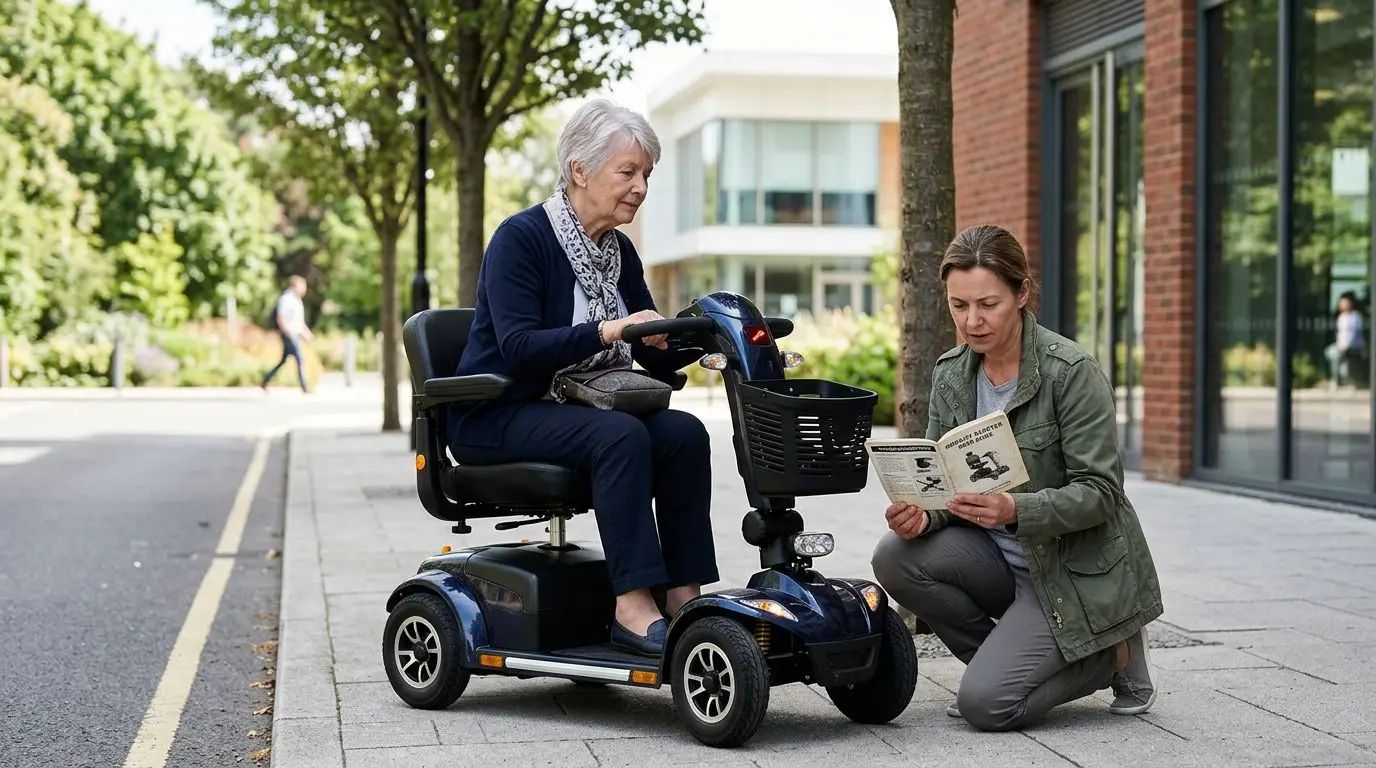
Mobility Scooter Beeping or Flashing? What Warning Signals Mean Before You Keep Riding
15 min read
What to Do If Your Mobility Scooter Breaks Down Away From Home
14 min read