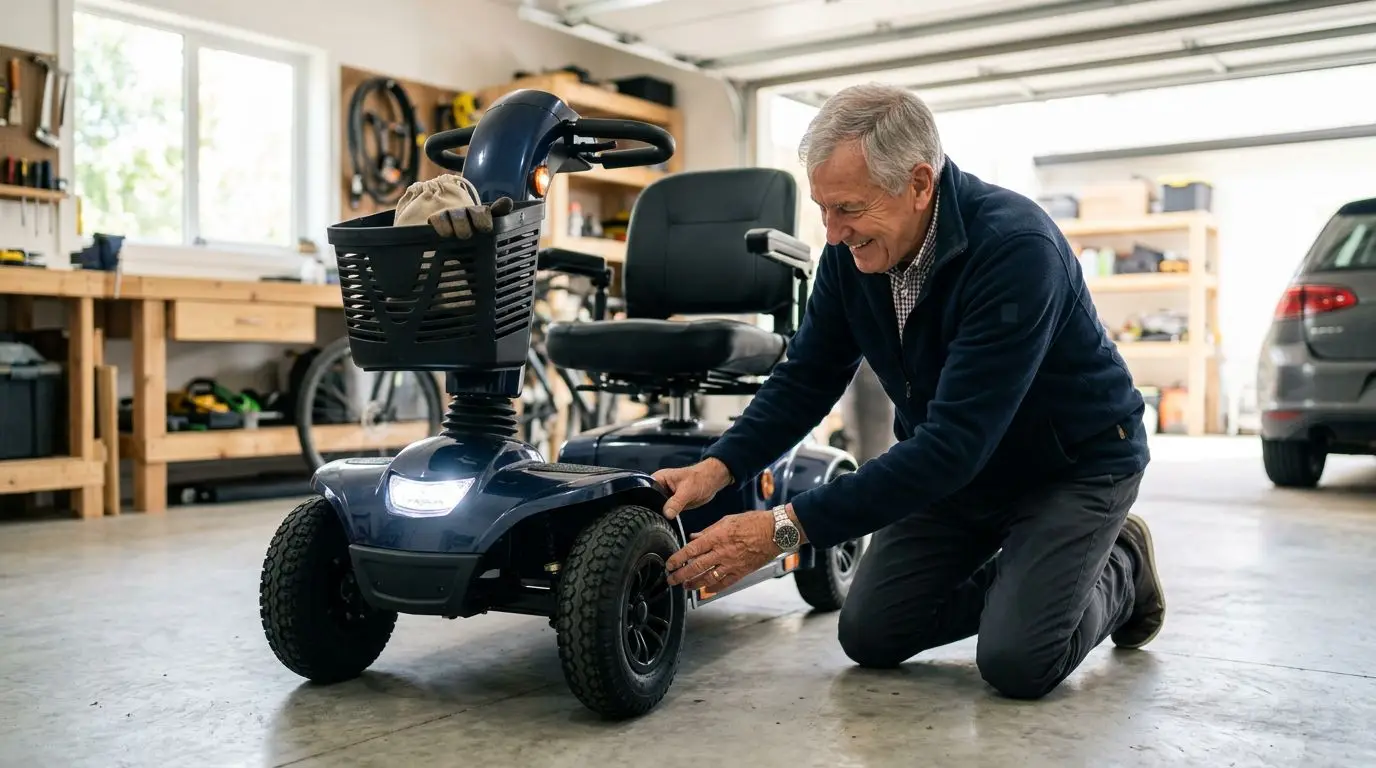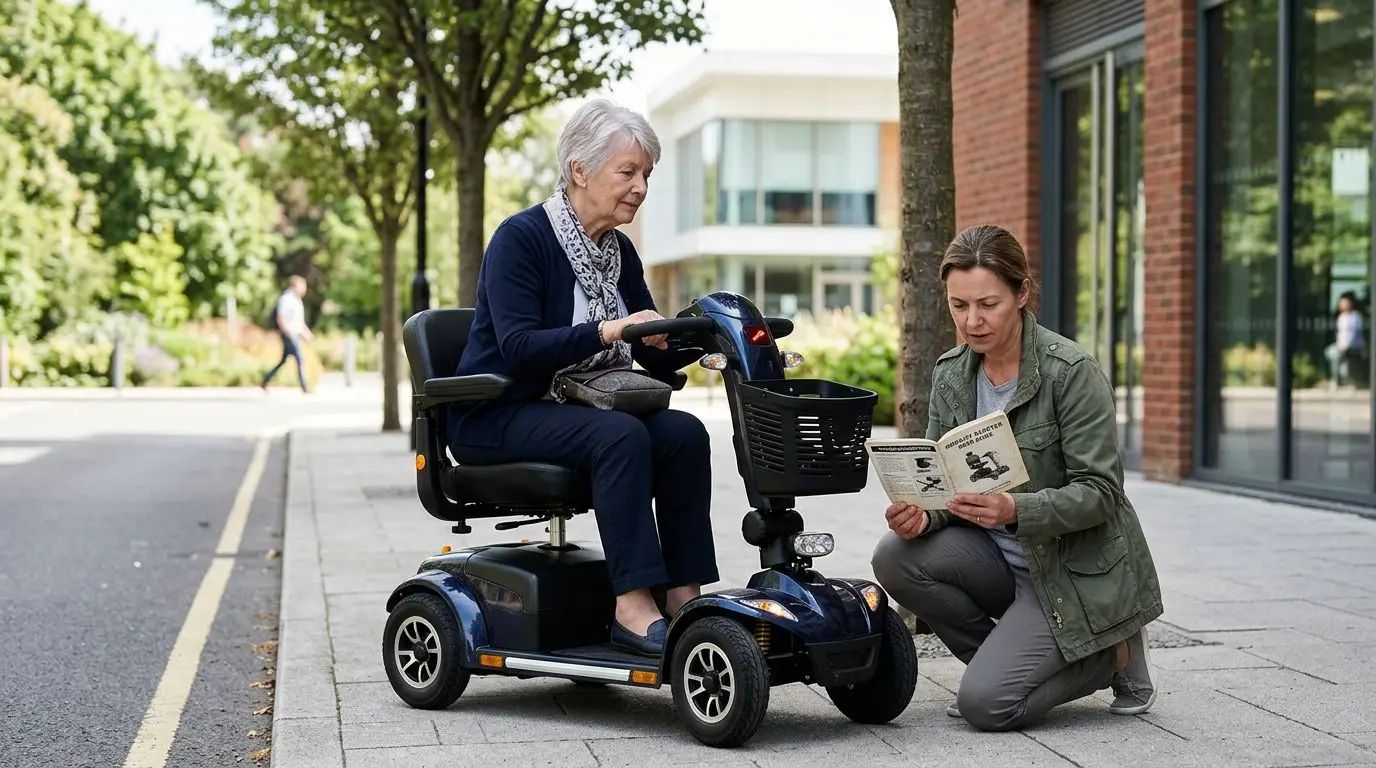
If your mobility scooter is beeping or flashing, first stop in a safe place and treat the signal as a warning until you know what it means. Many scooters use beep patterns, flashing LEDs, or a display icon to report common issues such as low battery, brake release, throttle not centered, charger connected, overheating, or a controller fault. It may be safe to continue only after the scooter powers on normally, drives smoothly, brakes correctly, and the warning clears.
Do not ignore repeated beeps. A single reminder beep after startup may be harmless, but a repeating pattern of 2, 3, 5, or more flashes often points to a specific fault code in the owner’s manual. The safest approach is to count the signal, check the simplest causes, reset only when appropriate, and stop using the scooter if steering, braking, speed control, or power delivery feels abnormal.
First 60 seconds: what to do before you keep riding
The first minute matters. If the scooter starts beeping while you are moving, slow down, avoid tight turns, and pull over to a flat area away from traffic, ramps, curbs, and doorways. Turn the key or power switch off, wait at least 10 seconds, and look for obvious causes before you try to ride again.
- Park safely. Choose a level surface if possible. A slope as small as 5 to 8 degrees can make a scooter harder to control if power cuts out.
- Set the throttle to neutral. Let go of the wig-wag lever, thumb lever, or twist throttle. Many scooters beep if the throttle is pressed during startup.
- Check the freewheel lever. If the scooter is in manual push mode, the motor brake may be disengaged and the scooter may beep instead of driving.
- Look at the battery gauge. A gauge near empty, especially after a hill or several miles of use, can trigger warnings or weak acceleration.
- Unplug the charger. Most scooters are designed not to drive while plugged into the wall or charging port.
- Count the pattern. Count flashes or beeps in one repeating cycle, then pause and count again to confirm.
Short reset attempts are reasonable for minor startup errors, such as powering on while touching the throttle. But do not keep cycling the power again and again. If the same warning returns 2 or 3 times, the scooter is telling you something still needs attention.
Common beep and flash patterns: 1 to 10 signals compared
Mobility scooters do not all use the same code chart, so your manual is the final reference. Even so, many scooters with electronic controllers use repeated beeps or LED flashes to narrow down the problem. The table below explains common meanings in plain English without assuming a specific make or model.
| Signal you notice | Common meaning | What to check first | Safe to ride? |
|---|---|---|---|
| 1 beep or flash repeating | Low battery, battery connection issue, or startup warning | Battery gauge, battery seated fully, charger recently used | Only if power is steady and the warning clears |
| 2 beeps or flashes | Battery voltage too low or a battery-related fault | Charge for 8 to 12 hours, inspect terminals if accessible | Usually no, unless manual confirms a minor alert |
| 3 beeps or flashes | Motor or wiring fault on some scooters | Loose motor plug, damaged cable, recent impact | No, until inspected or code is confirmed |
| 4 beeps or flashes | Brake release, freewheel mode, or motor brake problem | Freewheel lever fully in drive position | No if brake warning remains |
| 5 beeps or flashes | Throttle not centered or speed control fault | Release throttle, restart without touching controls | Only if it clears and throttle responds normally |
| 6 to 7 beeps or flashes | Controller, inhibit, or charger connection warning | Unplug charger, check key switch and seating of battery pack | No if code repeats |
| 8 to 10 beeps or flashes | Controller, high voltage, overheating, or internal fault | Power down, let scooter cool 20 to 30 minutes, check manual | No, unless manual gives a clear safe remedy |
Two details matter. First, some scooters use lights rather than sound, such as a red LED flashing 5 times. Second, some displays show icons instead of beep counts, including a battery symbol, wrench symbol, brake symbol, or temperature symbol. The point is the same: identify the warning before continuing.
Low battery warnings after 3 to 15 miles of riding
Battery-related warnings are among the most common reasons a mobility scooter beeps. A scooter may run normally for part of the day, then begin beeping or flashing when voltage drops under load. This can happen after 3 miles on a compact travel scooter or after 15 miles on a larger scooter, depending on battery size, rider weight, terrain, temperature, tire pressure, and battery age.
Battery gauges are not perfect. Many show voltage, not true remaining capacity. The gauge may look acceptable while parked, then fall quickly when climbing a ramp or driving across thick carpet, grass, gravel, or a long incline. If the warning appears during a hill climb and goes away on level ground, the scooter may be near the practical limit for that charge.
What to check
- Charge fully. Many sealed lead-acid scooter batteries need an overnight charge, often 8 to 12 hours, after regular use. Lithium packs vary, but still need a full charge cycle as directed by the manual.
- Confirm the charger light sequence. A charger that never changes status, gets unusually hot, or shuts off quickly may not be charging correctly.
- Check battery seating. On scooters with removable battery boxes, the pack must sit squarely on its contacts.
- Consider battery age. Scooter batteries commonly lose usable range over time, especially after 2 or more years of frequent deep discharges.
If the scooter beeps with a full charge and struggles to climb a modest ramp, have the batteries or connections tested before you rely on it for errands. Getting stranded half a mile from home is more than an inconvenience.
Freewheel and brake warnings: the 1 lever that can stop the scooter
Most mobility scooters have a freewheel lever that lets someone push the scooter manually when it is off. When that lever is in freewheel mode, the electromagnetic motor brake is disengaged. Many scooters will beep, flash, or refuse to move because driving in that state could be unsafe.
This is one of the simplest checks and also one of the most important. The lever is usually near the rear wheels, motor area, or transaxle. It may have positions labeled drive and freewheel, or it may use symbols. Push it fully into the drive position, turn the scooter off for 10 seconds, then restart while seated and holding the tiller.
If the scooter still reports a brake warning, do not ride it. The brake system is a core safety component. A mobility scooter should come to a controlled stop when you release the throttle, and it should resist rolling when parked on a normal ramp. If it rolls freely in drive mode, needs extra distance to stop, or beeps whenever you apply power, arrange service before using it again.
Throttle and startup errors: wait 10 seconds and keep controls neutral
A very common cause of beeping is turning the scooter on while the throttle is not centered. The controller expects the throttle to be at neutral during startup. If your hand, bag, coat, walker basket, or a tight tiller cover presses the control even slightly, the scooter may beep and refuse to drive.
Try this simple reset. Turn the scooter off. Remove your hand from the throttle. Make sure nothing is touching the forward or reverse control. Wait 10 seconds, then turn the scooter on again. Do not touch the throttle until the normal startup lights settle.
If that clears the warning, test at the lowest speed setting in an open area for 20 to 30 feet. The scooter should move smoothly, stop promptly when you release the control, and not creep forward or backward on its own. Any creeping, surging, delayed stop, or repeated throttle code is a stop-riding issue, not a minor annoyance.
Check the speed dial too. Some scooters beep if the dial, key switch, or tiller wiring has moisture, dirt, or damage. A scooter that was recently transported in rain, stored outside, or bumped against a doorway may need time to dry indoors and be inspected.
Charger, key, and seat interlock warnings in under 2 minutes
Several warnings can be solved quickly because the scooter is intentionally preventing movement. Many scooters will not drive with the charger connected. Some also have seat, armrest, tiller, or battery-pack interlocks that must be fully engaged before the controller allows power to the motor.
| Feature or condition | Why it may beep or flash | 2-minute check |
|---|---|---|
| Charger plugged in | Drive inhibit prevents movement while charging | Unplug from wall and scooter, then restart |
| Battery pack not latched | Controller sees poor contact or missing battery | Remove and reseat the pack firmly if your scooter is designed for it |
| Seat not locked | Some designs prevent motion if the seat is rotated or not secure | Face the seat forward and listen for the latch |
| Tiller folded or loose | Wiring strain or an unset latch can interrupt signals | Lock the tiller in riding position and inspect visible cables |
| Key or power switch issue | Intermittent power can create warning beeps | Use the key gently; avoid heavy keychains pulling on the switch |
If the scooter starts after one of these checks, ride cautiously at low speed first. Listen for new sounds and watch the display for another warning. One cleared interlock is normal; repeated intermittent warnings may point to loose contacts or wiring that should be serviced.
Heat, hills, and heavy loads: warnings after 20 to 30 minutes
A scooter that beeps after 20 to 30 minutes of steady riding may be overheating or working beyond its comfortable range. Controllers and motors can heat up when climbing long hills, traveling on soft ground, carrying heavy loads, or running at top speed for extended periods. Hot weather adds to the stress.
Every scooter has limits for weight capacity, incline, ground clearance, and recommended terrain. Exceeding them does not always cause an immediate shutdown, but it can trigger warning signals, reduced speed, or a temporary power cut. This is especially noticeable on steep driveway aprons, outdoor ramps, uneven sidewalks, and thick grass.
What to do if heat is likely
- Stop in shade or a safe indoor area.
- Turn the scooter off and wait 20 to 30 minutes.
- Do not cover the motor area while it cools.
- Check tire pressure if your scooter uses air-filled tires; low pressure increases motor strain.
- Avoid restarting on a hill. Move to level ground if it can be done safely.
If the warning clears after cooling but comes back on the same route, treat that route as too demanding until the scooter is checked. The fix may be as simple as fully charging the batteries or inflating tires, but it may also mean the scooter type is not matched to your daily terrain.
How to count flashes and find the code in 3 steps
Counting the warning correctly can save time and prevent unnecessary worry. Many people hear a scooter that just beeps, but the pattern usually repeats. A full cycle might be 5 beeps, a pause, then 5 beeps again.
- Watch or listen through 2 full cycles. Count only the beeps or flashes before the pause.
- Write it down. Note the number, color of the light, battery gauge reading, and what you were doing when it started.
- Check the owner’s manual fault-code table. Look for a section called troubleshooting, diagnostics, flash codes, beep codes, or controller warnings.
If you do not have the manual, search for the generic scooter type and the words owner’s manual, or contact the seller, repair shop, or manufacturer support line with the serial information from the scooter. Do not rely on a random code chart unless it matches your scooter’s controller system. The same 5-flash pattern can mean different things on different designs.
Take a short video of the beeping or flashing if you plan to ask for help. A 15-second clip often shows the pattern better than a written description, and it can help a technician tell whether the warning is a code, a low-battery chirp, or a different alert.
When it is safe to reset vs stop using the scooter
A reset is appropriate only when the likely cause is minor and has been corrected. Examples include the charger still being plugged in, the throttle being touched during startup, the freewheel lever not fully seated, or a removable battery pack not clicked into place. A good reset means the warning clears and the scooter behaves normally during a short low-speed test.
| Situation | Reasonable action | Do not continue if |
|---|---|---|
| Beep starts immediately at power-on | Check throttle neutral, charger, freewheel lever, battery seating | Same code returns after 2 resets |
| Beep starts while driving | Pull over, power down, check battery and heat | Speed drops suddenly or scooter surges |
| Brake or freewheel warning | Put lever fully in drive and restart | Scooter rolls, fails to hold, or warning remains |
| Low battery warning near home | Return slowly on level ground if power is stable | You must cross traffic, climb hills, or travel far |
| Unknown 6 to 10 flash code | Check manual and arrange support | You cannot confirm the meaning |
Use a simple rule: if the warning involves braking, steering, uncontrolled motion, smoke, burning smell, exposed wiring, a hot battery, or repeated power loss, stop using the scooter. Call for help rather than trying to nurse it home. Safety is worth the delay.
Who it is best for to troubleshoot at home in 5 checks
Basic troubleshooting is best for riders or caregivers who can safely park the scooter, read the display, reach the charger and freewheel lever, and follow the manual. The 5 home checks are charger unplugged, throttle neutral, freewheel in drive, battery charged and seated, and code counted correctly.
Home troubleshooting is not the right choice if you would need to tip the scooter over, remove covers, test live wiring, or lift a battery that is too heavy for you. Some scooter battery packs weigh more than 20 lb, and larger batteries can be awkward even for strong caregivers. Avoid strain and avoid electrical guesswork.
It is also reasonable to ask for help if vision, hearing, hand strength, memory, or balance makes the process frustrating. A neighbor, family member, building maintenance person, or mobility repair technician can help count the code and compare it with the manual. Troubleshooting should reduce risk, not create a new one.
How to choose and measure a scooter to reduce future warnings
Some warning signals are not caused by a defect. They happen because the scooter is being asked to do more than it was designed to do. Measuring your real use can prevent repeat battery, heat, and motor-strain warnings.
- Measure your longest normal trip. If your errand loop is 4 miles, choose a scooter type with enough practical range after accounting for hills, stops, rider weight, and battery aging.
- Measure ramps and thresholds. Note the steepest ramp, doorway threshold height, and curb cuts you use. Even a 1-inch threshold can challenge a low-clearance scooter if approached at an angle.
- Know total carried weight. Include the rider, oxygen holder, baskets, bags, and accessories. Staying comfortably under the rated capacity reduces strain.
- Match wheels to surfaces. Small travel-scooter wheels are convenient indoors, while larger wheels and higher ground clearance are better for cracked sidewalks and outdoor paths.
- Check storage and charging access. A scooter that can be charged fully every night is less likely to start the day with low-voltage warnings.
| Scooter type | Common strengths | Warning risk if mismatched |
|---|---|---|
| Compact travel scooter | Portable, tight turning, useful indoors and in stores | Low battery or strain warnings on long outdoor routes |
| Mid-size scooter | Balanced comfort, range, and sidewalk use | May still struggle on steep hills or rough ground |
| Full-size outdoor scooter | Larger wheels, more stability, better for longer rides | May be too large for tight indoor spaces or vehicle transport |
| Heavy-duty scooter | Higher capacity and stronger outdoor performance | Needs adequate storage, turning space, and charging access |
The right scooter is not the one with the loudest feature list. It is the one that fits your body, your home, your terrain, and your daily distance with a margin of safety.
FAQ: 5 quick answers before you ride
Why does my mobility scooter beep but not move?
Common reasons include the freewheel lever being in push mode, the charger still being connected, the throttle not being centered at startup, a low battery, or a controller fault. Check those items first, then count the repeating beep or flash code and compare it with the manual.
Can I keep riding if the battery light is flashing?
Only if you are close to a safe charging location, the scooter still drives smoothly, and you do not need to climb hills or cross busy areas. A flashing battery light can mean low voltage, and the scooter may slow down or stop with little warning.
Will turning the scooter off and on fix the problem?
It can clear minor startup errors, especially if the throttle was touched while turning the scooter on. If the same warning returns after 2 resets, stop and identify the fault instead of repeatedly restarting.
What if the scooter beeps after getting wet?
Turn it off, move it indoors if possible, and let it dry. Moisture can affect switches, connectors, throttle controls, and the display. Do not ride if it surges, hesitates, flashes a fault code, or the controls feel abnormal.
When should I call a repair technician?
Call for service if the warning involves braking, motor faults, exposed or damaged wiring, overheating, burning smell, repeated power loss, or a code you cannot identify. Also call if a fully charged scooter keeps beeping and will not drive.
Frequently asked questions
Why does my mobility scooter beep but not move? +
Common causes include the freewheel lever being in push mode, the charger still being connected, the throttle not being centered at startup, a low battery, or a controller fault. Check the simple items first, then count the repeating beep or flash pattern and compare it with the owner’s manual.
Is it safe to ride with a flashing battery light? +
It may be safe only for a short, level return to a charging location if the scooter still drives smoothly. Avoid hills, traffic crossings, and long distances because a low-voltage warning can be followed by slowing or shutdown.
Can I reset a beeping mobility scooter? +
Yes, if the likely cause is minor, such as the throttle being touched during startup or the charger being plugged in. Turn the scooter off, correct the issue, wait about 10 seconds, and restart. If the same warning returns after 2 resets, stop and troubleshoot further.
What does a 5-beep warning mean on a mobility scooter? +
On many scooters, 5 beeps or flashes can point to a throttle or speed-control issue, but code meanings vary by controller. Release the throttle, restart with controls neutral, and check the manual’s fault-code chart before riding.
When should I stop using the scooter immediately? +
Stop using it if the warning involves braking, freewheel problems, uncontrolled motion, repeated power loss, overheating, burning smell, exposed wiring, or an unknown fault code that keeps returning.
Related guides
Mobility Scooter Keeps Beeping or Won’t Move? Brake, Battery, and Error-Code Checks
13 min read
Why Does My Mobility Scooter Keep Beeping or Juddering? Common Checks Before Repair
13 min read
What to Do If Your Mobility Scooter Breaks Down Away From Home
14 min read