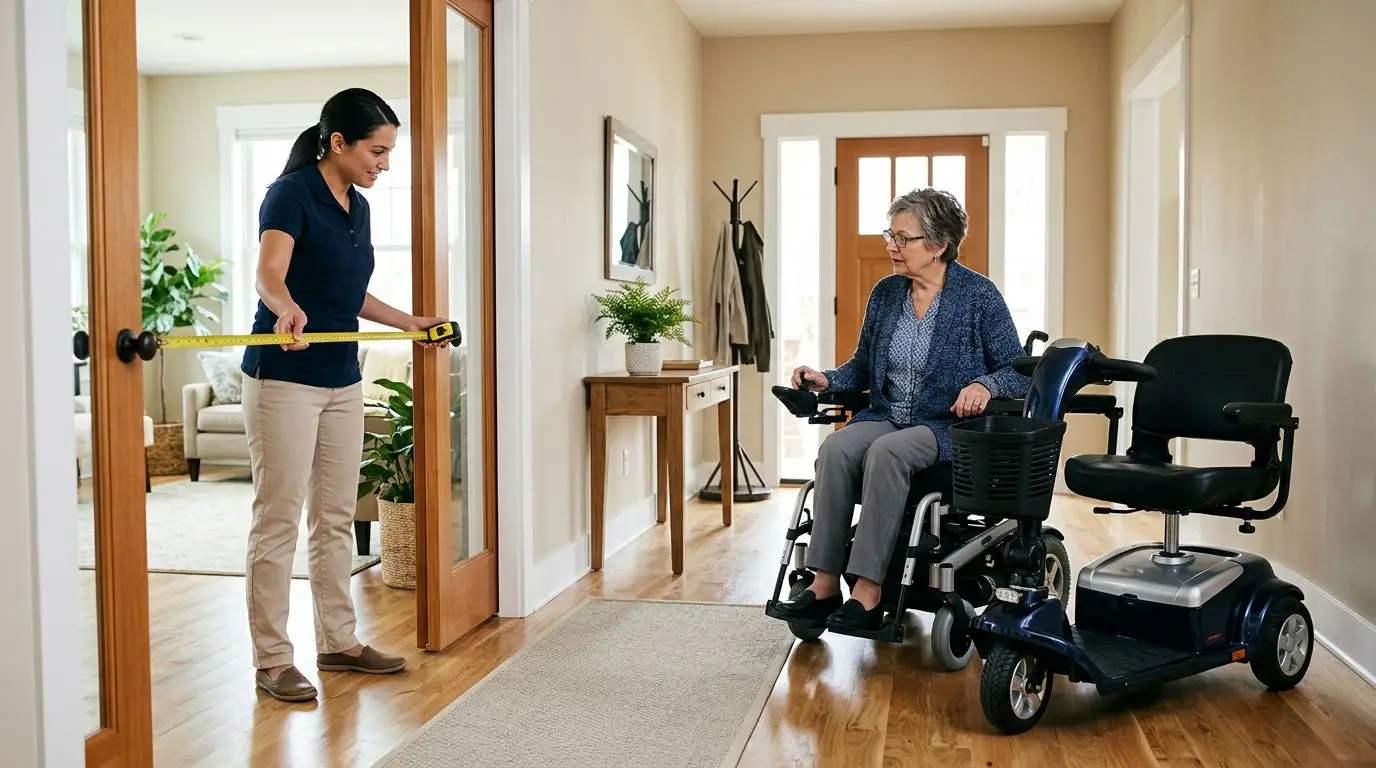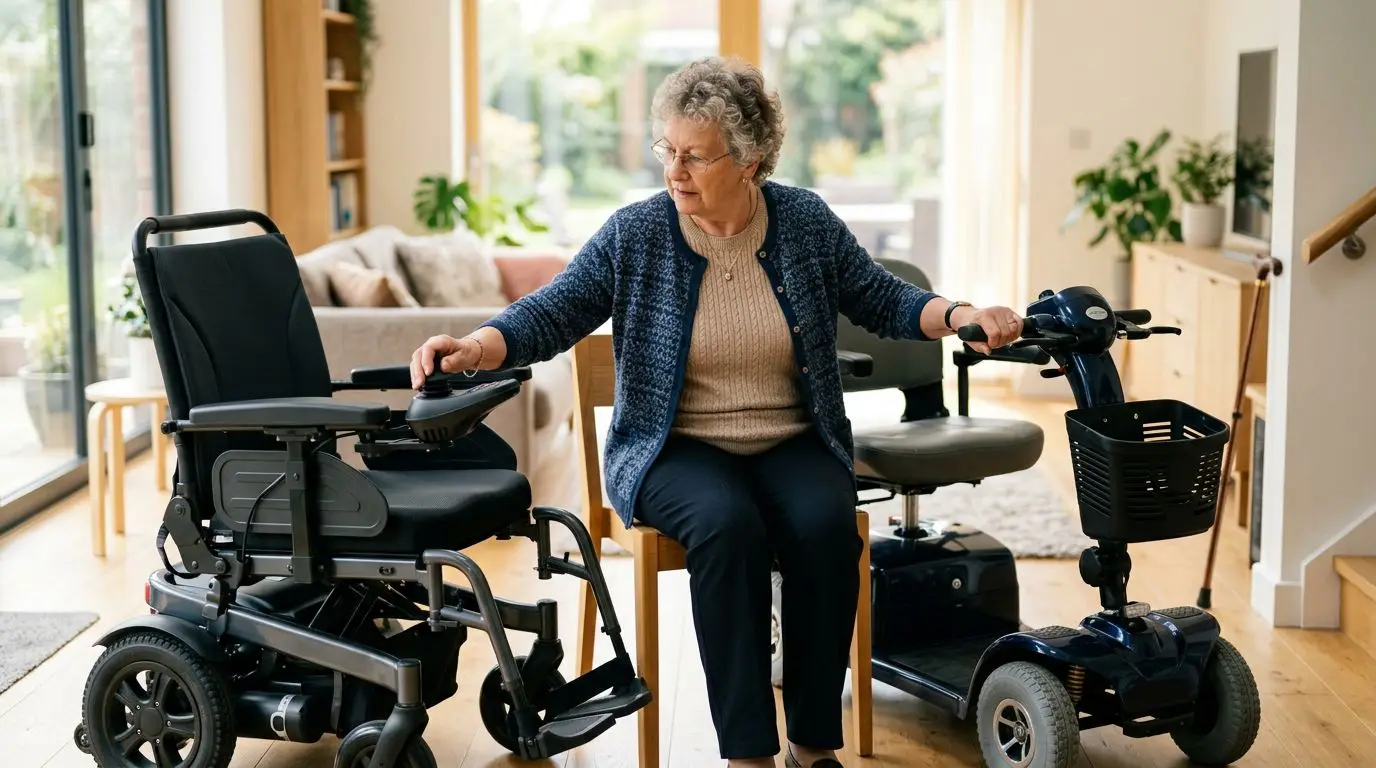
For most people, tiller steering is the standard control style for mobility scooters, while joystick control is more common on power chairs and a smaller number of specialty scooter-style devices. If you have good reach, grip, and coordination in both hands, a tiller scooter may feel familiar. If you have limited hand strength, one-sided weakness, or need very tight indoor turning, a joystick-controlled power chair may be a better fit.
The right choice is not just personal preference. It depends on your hand function, shoulder comfort, home layout, transportation needs, and how quickly you can learn a new control pattern safely.
How the 2 control styles work
A traditional mobility scooter uses a tiller, the upright steering column in front of the seat. The rider steers by turning the tiller left or right, much like a bicycle handlebar, and controls speed with thumb levers, finger paddles, twist grips, or similar controls. Many scooters also place a brake-release lever, speed dial, horn, lights, and battery gauge on the tiller console.
A joystick control usually uses a small hand-operated stick mounted near the armrest. Push the joystick forward to move forward, pull it back to reverse, and move it left or right to turn. On many joystick-controlled mobility devices, releasing the joystick brings the device to a controlled stop through the electronic braking system.
The key distinction is this: most 3-wheel and 4-wheel mobility scooters use tillers. Joysticks are far more common on power chairs because power chairs use two drive wheels that can turn at different speeds, allowing the chair to pivot in a compact space. Some scooter-like devices may offer alternative controls, but shoppers should not assume joystick control is widely available in standard scooter categories.
| Control style | Typical device | Main motion | Common user effort |
|---|---|---|---|
| Tiller steering | 3-wheel or 4-wheel scooter | Turn a steering column and press a throttle | Reach with both arms, steer with shoulders/hands, operate throttle |
| Joystick control | Power chair or specialty device | Move a small stick in the desired direction | Precise finger, thumb, or hand movement from one side |
Neither system is automatically easier for everyone. A joystick requires less arm reach, but it can demand more fine motor control. A tiller feels intuitive to many drivers, but it can become difficult if your shoulders, wrists, or thumbs fatigue after 10 to 15 minutes.
Hand strength and dexterity: 4 practical checks
Before comparing features, look honestly at what your hands can do on a normal day and on a bad day. Mobility equipment should work when you are tired, stiff, or managing pain, not only when you feel your best.
Start with grip. Tiller steering often requires holding or guiding a handlebar-style control while also pressing a throttle. Some scooters let you operate the throttle with either thumb or finger, which can help, but you still need enough hand and wrist control to steer. If gripping a coffee mug, opening a door handle, or squeezing a spray bottle is difficult, a heavy tiller may not feel good on longer outings.
Next, check thumb and finger control. A joystick may require only a few ounces of pressure, but it calls for smooth, accurate movements. If tremor, numbness, or involuntary movement makes it hard to hold a pointer steady on a phone screen for 5 seconds, a standard joystick could feel jumpy unless the controls can be adjusted.
Shoulder reach matters as well. Sit in a firm chair and place your hands where a scooter tiller would be, roughly 16 to 22 inches in front of your torso depending on seat position. If that reach causes shoulder strain, leaning, or neck tension, a joystick mounted near the armrest may be more comfortable.
Finally, consider one-sided function. A tiller is often easiest with both hands available, especially outdoors. A joystick can usually be placed on the left or right side, so it may suit someone who has stronger use of one hand than the other. This is a functional consideration, not a medical recommendation; an occupational therapist or seating specialist can help assess safe operation if your limitations are complex.
- Choose tiller steering if: you can reach forward comfortably, steer with both hands, and press a throttle without pain.
- Consider joystick control if: one hand is stronger, forward reach is limited, or a tiller causes wrist or shoulder strain.
- Get a hands-on trial if: you have tremor, reduced sensation, spasticity, or changing hand control during the day.
Learning curve and indoor maneuvering in the first 30 minutes
Most new users understand tiller steering quickly because it resembles a cart, bicycle, or small vehicle. The challenge is usually judgment: leaving enough room to turn, slowing before doorways, and remembering that the rear wheels follow a different path than the front. A 4-wheel scooter may feel steady in a straight line but still needs more room to turn than a compact power chair.
Joystick control can feel unfamiliar at first. A small movement can create a turn, and pushing diagonally may combine forward travel with rotation. After 20 to 30 minutes of practice in an open area, many users begin to understand the pattern, but safe indoor driving still depends on speed settings and control sensitivity.
Indoor space is where the difference becomes most noticeable. A scooter turns by steering its front wheel or wheels, so it needs an arc. A power chair with joystick control can often rotate in place or close to it, depending on its drive configuration. In a narrow kitchen, small bathroom, or hallway with a 90-degree turn, that tighter turning ability can matter more than top speed or outdoor range.
| Situation | Tiller scooter | Joystick-controlled power chair |
|---|---|---|
| Long straight hallway | Usually easy and stable | Easy with practice |
| Small apartment kitchen | May need 3-point turns | Often easier because of tight turning |
| Outdoor sidewalk | Often comfortable, especially on longer routes | Comfortable if wheels and suspension fit the surface |
| Doorway near a sharp turn | Requires planning and clearance | Often easier at low speed |
Whatever control style you choose, keep the first practice session slow. Use the lowest speed setting, place a few lightweight objects 3 to 4 feet apart, and practice stopping, turning, backing up, and approaching a doorway. Do not practice near stairs, curbs, traffic, or pets.
Who each control style is best for: 6 common user profiles
A control style should match the person, the home, and the trip. Two people with the same diagnosis may need different equipment because one lives in a single-level apartment with 32-inch doorways, while another needs to travel across a large senior community campus.
| User profile | Likely better fit | Why it may fit |
|---|---|---|
| Good arm reach and wants simple outdoor travel | Tiller scooter | Familiar steering and comfortable for longer straight routes |
| Limited shoulder reach or fatigue when arms are forward | Joystick control | Control can sit near the armrest with less reaching |
| Uses one hand much better than the other | Joystick control | Can often be set up for left- or right-side operation |
| Needs tight indoor turns in a small apartment | Joystick-controlled power chair | Shorter turning space can help in kitchens and hallways |
| Wants a device mainly for stores, sidewalks, and community rooms | Tiller scooter or joystick power chair | Choice depends on hand function and transport needs |
| Has tremor or difficulty with precise hand movement | Needs trial and professional input | Either system may work if controls are adjustable, but testing is essential |
Tiller scooters are often best for people who want mobility support outside the home, can transfer on and off the seat safely, and have enough upper-body control to steer. They can work well for trips to the mailbox, dining room, grocery store, or medical building when walking the full distance is difficult.
Joystick-controlled power chairs are often better for people who need mobility throughout the home, not just outside it. If the device must turn beside the bed, line up with a table, pass through interior doors, and back into a bathroom, joystick control and a compact base may deserve serious consideration.
Some shoppers ask for a joystick scooter because they like the seated position and appearance of a scooter but cannot manage the tiller. That is understandable. Still, it helps to compare the function rather than the label. If the reason for wanting a joystick is limited hand strength, limited reach, or tight indoor space, a power chair may solve the actual problem more reliably than searching for a rare scooter configuration.
How to choose and measure at home: 7 numbers to write down
Good equipment decisions start with a tape measure and a realistic look at your daily routes. Write down these 7 numbers before you shop or schedule a demonstration.
- Narrowest doorway: Measure the clear opening with the door open 90 degrees. Many interior doors are around 28 to 32 inches wide, but trim, hinges, and handles reduce usable space.
- Hallway width: Measure the tightest hallway, especially near turns. A 36-inch hallway feels very different from a 48-inch hallway when turning a scooter.
- Turning area: Measure open floor space in the kitchen, bedroom, and bathroom. Mark a square or circle on the floor with painter's tape if needed.
- Seat-to-control reach: Sit comfortably and measure from your lower back to where your hands can rest without leaning. If comfortable reach is under about 16 inches, a forward tiller may be difficult.
- Transport height: Measure trunk opening height or vehicle cargo space if you plan to transport the device.
- Ramp slope and length: For every 1 inch of rise, many accessibility guidelines use a 12-inch ramp run as a common reference point for manual wheelchair ramps, though powered device safety also depends on manufacturer limits and surface traction.
- User and cargo weight: Include body weight, oxygen equipment, bags, or groceries. Stay within the stated weight capacity of any device you consider.
Then do a control comfort test. Sit in a chair for 10 minutes with your arms positioned as if holding a tiller. Notice shoulder tension, thumb pain, wrist angle, and whether you begin leaning forward. Next, rest your dominant hand near the armrest and move your thumb or fingers as if guiding a joystick. Watch for shaking, fatigue, or difficulty returning to center.
During an in-person trial, ask to test the exact control setup you would use at home. Try a doorway approach, a 90-degree turn, backing up 3 feet, stopping on command, and driving at the lowest speed setting. If possible, bring the person who will help with transportation, charging, or storage.
Scooter or power chair: the 3 biggest decision differences
Control style is only one part of the choice. A tiller usually points toward a scooter, while a joystick usually points toward a power chair. The device category affects turning, seating, transport, and daily use.
First, turning radius. Scooters typically need more space because they steer from the front. Power chairs can often turn much tighter because the drive wheels control direction. If your home has a narrow hallway and a bathroom door immediately to the side, test this in person rather than relying on a brochure number.
Second, seating and posture. Scooters often have a swivel seat and an open front area for transfers. Power chairs may offer more seating support options, but they can also feel more enclosed. If you sit for several hours a day, seat width, cushion quality, back height, and foot placement matter as much as the joystick or tiller.
Third, transportation. Many travel scooters are designed to disassemble into several pieces, though the heaviest piece may still be too heavy for some caregivers to lift. Power chairs can be heavier and may require a vehicle lift or ramp. Always check real lifting requirements before assuming a device is portable.
| Decision point | Typical scooter advantage | Typical power chair advantage |
|---|---|---|
| Outdoor straight-line travel | Comfortable, familiar steering | Good if configured for the terrain |
| Tight indoor maneuvering | May be limited by turning arc | Often stronger fit |
| Control for one hand | Possible on some controls, but not always ideal | Often easier to configure |
| Disassembly for transport | Common on travel-style scooters | Less common; may need lift equipment |
| All-day seating support | Varies by seat type | Often more seating options |
If your main need is occasional help over longer distances and you drive comfortably with both hands, a tiller scooter may be the simpler solution. If your main need is independent movement inside the home, especially with limited reach or one-hand control, a joystick-controlled power chair deserves a close look.
Safety and comfort features to compare: 9 items that matter
Controls are easier to use when the rest of the device supports safe, predictable movement. Compare these features before focusing on color, style, or maximum speed.
| Feature | Why it matters | What to ask |
|---|---|---|
| Speed adjustment | Lower speeds help learning and indoor control | Can the top speed be limited for indoor use? |
| Joystick sensitivity or programming | Helps users with tremor or slow reaction time | Can acceleration and turning response be adjusted? |
| Throttle style | Thumb, finger, or lever design changes hand strain | Can it be operated comfortably for 10 minutes? |
| Tiller adjustment | Angle and reach affect shoulders and wrists | Does it lock securely in a comfortable position? |
| Armrest adjustment | Supports joystick hand and transfer space | Can height, width, or swing-away position be changed? |
| Seat swivel | Can make transfers easier on scooters | Does it lock firmly before driving? |
| Braking system | Predictable stopping builds confidence | What happens when the control is released? |
| Battery range | Real-world range drops with hills, weight, and surfaces | Is the expected route well within the rated range? |
| Freewheel mode | Allows pushing the device when unpowered | Is the lever easy to reach but protected from accidental use? |
Do not choose a higher speed just because it sounds more capable. Many users spend most of their time at low to moderate speed, especially indoors or in crowds. Smooth starts, reliable stops, and comfortable hand position usually matter more than the fastest setting.
Also think about fatigue. A control that feels fine for 2 minutes in a showroom may cause strain during a 25-minute trip through a medical campus. If possible, test long enough to notice whether your hand relaxes or tightens over time.
5 FAQs about joystick controls and tiller steering
Can you get a mobility scooter with a joystick?
Some specialty scooter-style devices may use joystick or alternative controls, but standard mobility scooters usually use tiller steering. If you need a joystick for one-hand use, limited reach, or tight indoor maneuvering, compare power chairs as well as scooters.
Is a joystick easier than a tiller for weak hands?
Sometimes. A joystick may require less reach and less grip, but it still needs controlled finger, thumb, or hand movement. If weakness comes with tremor, numbness, or poor coordination, test adjustable controls before deciding.
Which is better for indoor use?
A joystick-controlled power chair is often better in tight indoor spaces because it can usually turn in less space than a scooter. A compact 3-wheel scooter may work in some homes, but doorways, hallway width, and bathroom layout must be measured.
Can I drive a tiller scooter with one hand?
Some people can operate certain tiller scooters one-handed, especially at low speeds, but it is not always safe or comfortable. Steering, throttle control, and emergency correction may be harder with one hand. A supervised trial is the safest way to know.
Should I ask a therapist before choosing?
It is wise to ask an occupational therapist, physical therapist, assistive technology professional, or qualified mobility provider if you have changing strength, tremor, one-sided weakness, poor sensation, or a history of falls. They can help match the control style to your abilities and environment.
The best control style is the one you can use safely on your real routes, on an average day, without pain or rushed reactions. For many users, that will be a tiller scooter. For others, especially those with limited reach, one-hand control needs, or tight indoor spaces, joystick control on a power chair may be the more practical path.
Frequently asked questions
Can you get a mobility scooter with a joystick? +
Some specialty scooter-style devices may have joystick or alternative controls, but most standard mobility scooters use tiller steering. If joystick control is important, compare power chairs too.
Is a joystick easier than a tiller for weak hands? +
It can be easier if reaching and gripping a tiller are difficult, but a joystick still requires steady fine motor control. A hands-on trial is important, especially with tremor or numbness.
Which control style is better indoors? +
Joystick-controlled power chairs are often better in tight indoor spaces because they can usually turn in less room. Measure doorways, hallways, and bathroom turns before choosing.
Can I operate a tiller scooter with one hand? +
Some users can manage certain tiller controls one-handed at low speeds, but steering and quick corrections may be harder. Test the scooter in a supervised setting before relying on one-hand operation.
When should I choose a power chair instead of a scooter? +
Consider a power chair if you need joystick control, very tight indoor turning, one-hand operation, or more seating support. A scooter may fit better for outdoor routes and simpler transport.
Related guides
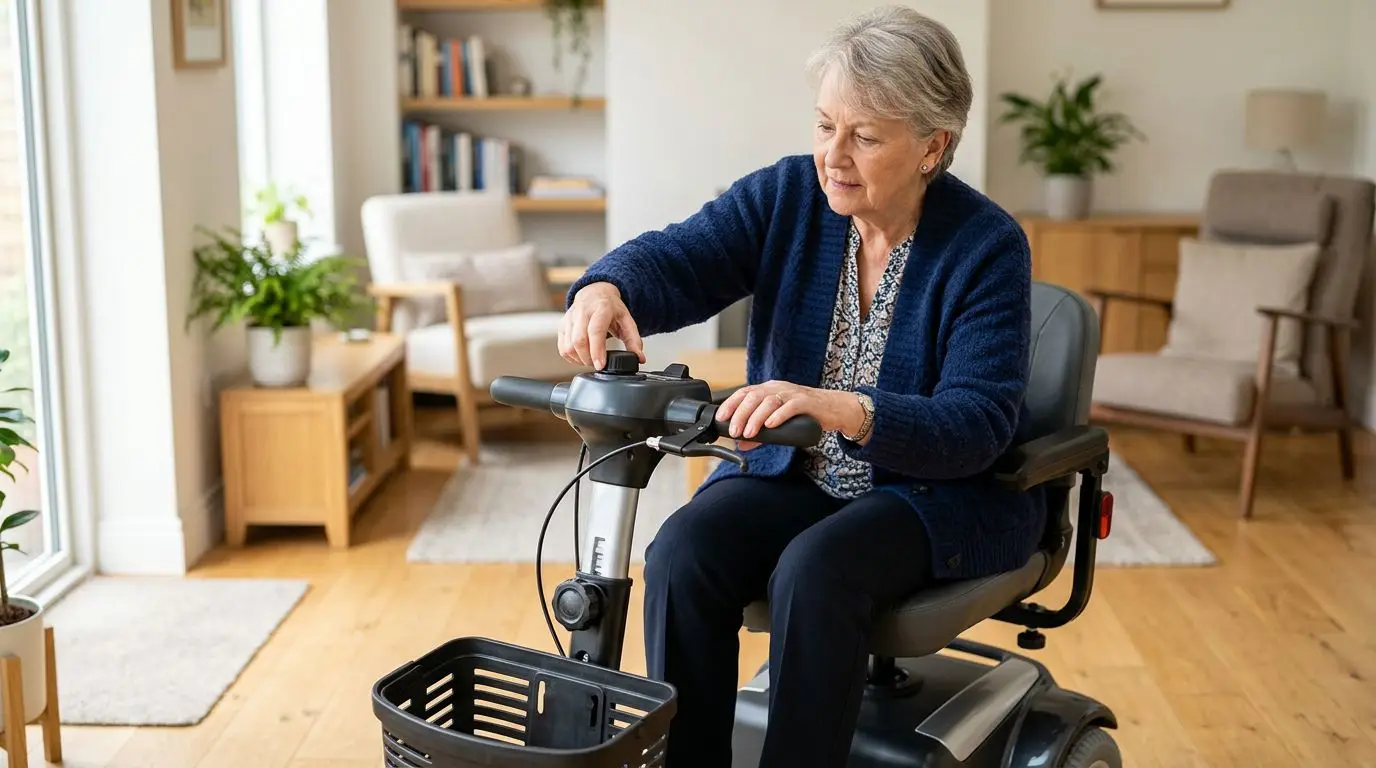
Mobility Scooter Controls and Tiller Fit: What to Check for Arthritis, Weak Grip, or Limited Reach
14 min read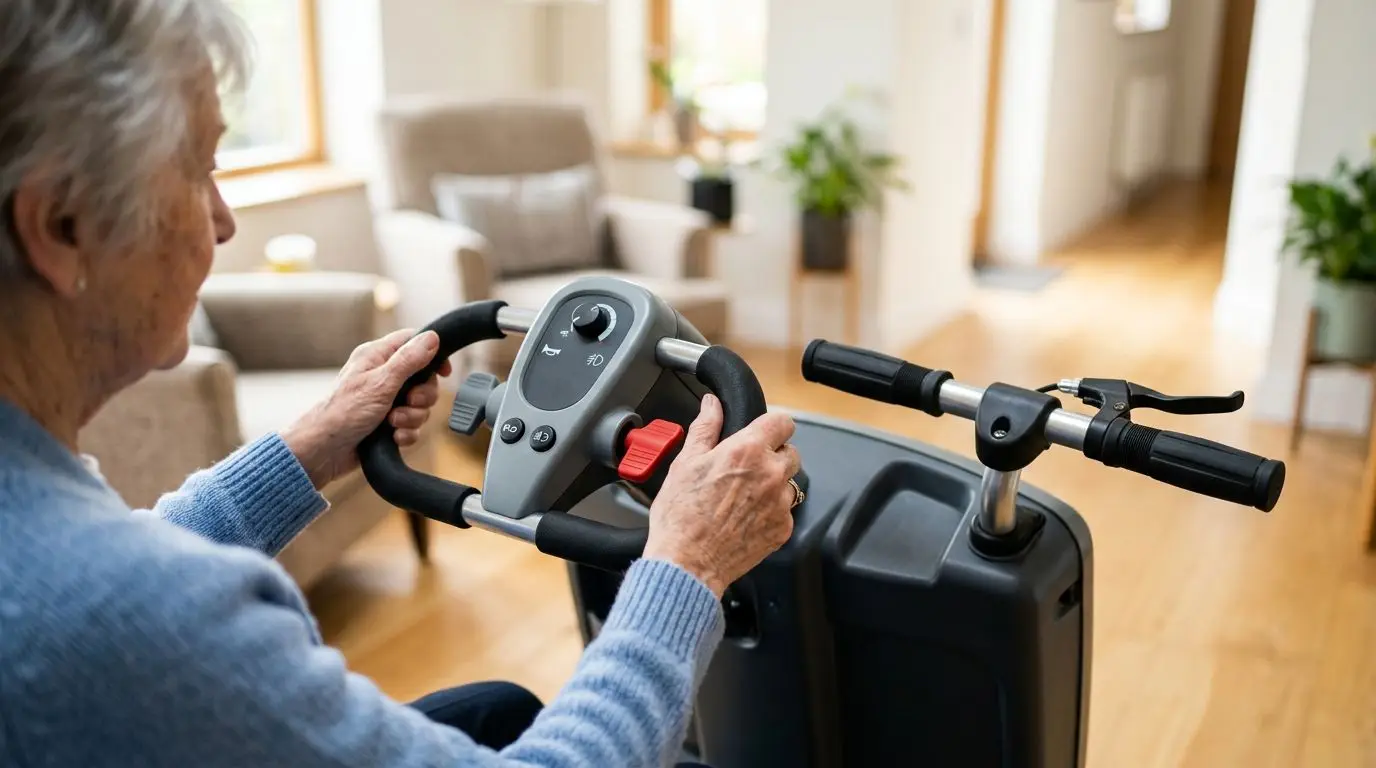
Delta Tiller vs. Standard Scooter Handles: Steering Comfort, Grip Strength, and Control Differences
12 min read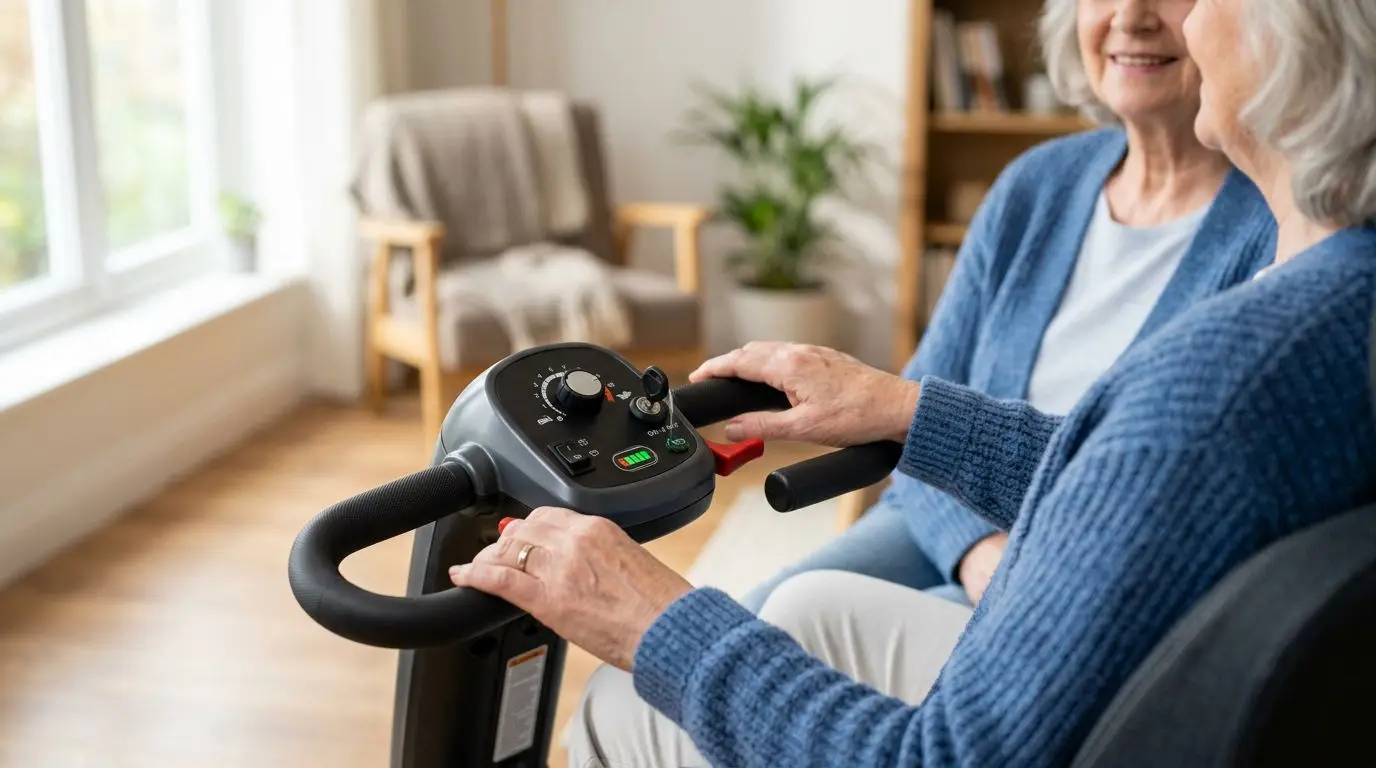
Mobility Scooter Controls Explained: Throttles, Brakes, Speed Settings, and Ease of Use
15 min read