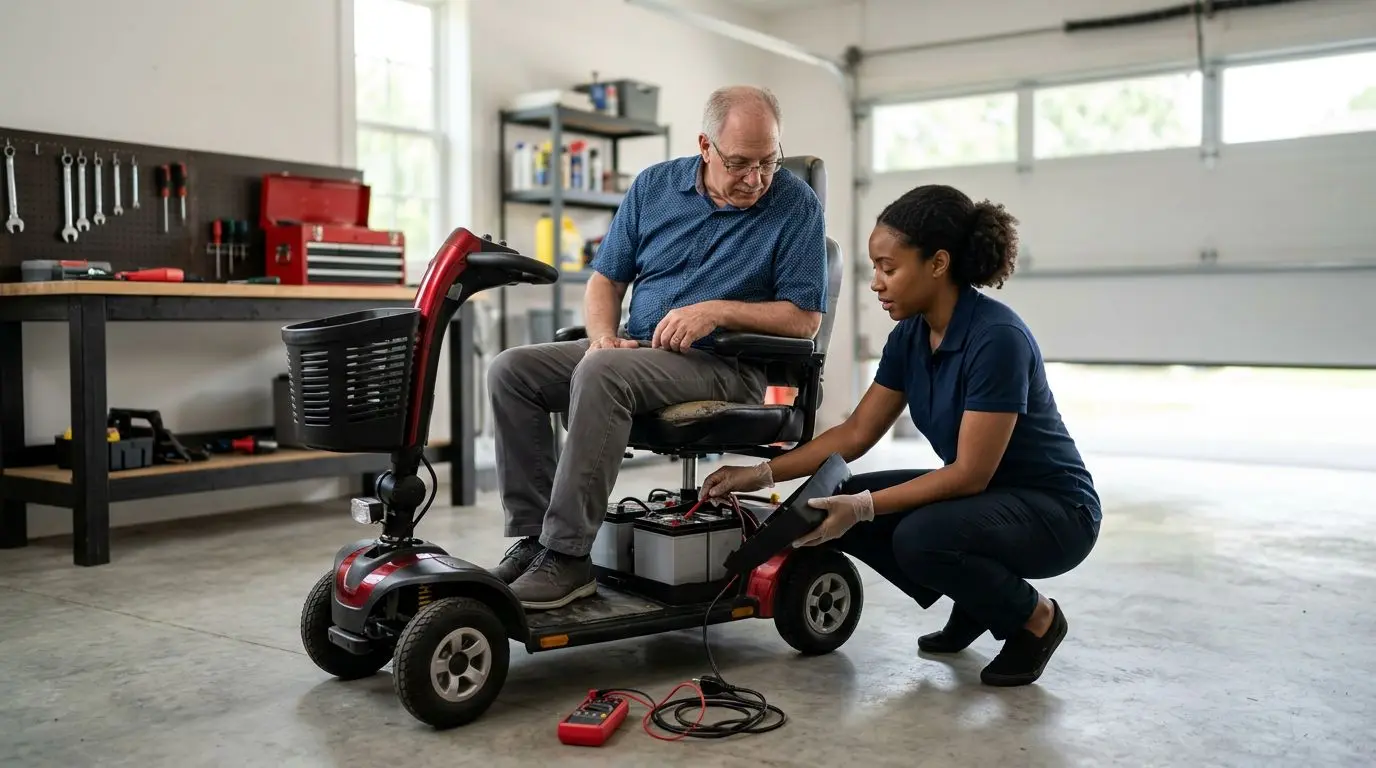
If your mobility scooter won’t turn on, begin with the simple no-power checks: battery charge and connections, key switch position, main fuse or reset breaker, brake release, and freewheel lever position. Many no-start problems trace back to a loose battery plug, an undercharged battery pack, a tripped breaker, or the scooter being left in freewheel mode.
Do not keep trying to power the scooter if you smell burning, see melted plastic, notice a swollen battery, or find damaged wiring. These are not owner-level fixes; stop and call a qualified mobility scooter technician before charging or riding.
Start with a 5-minute safety check before touching anything
Before you remove a battery cover or inspect a connector, take 5 minutes to make the scooter safe. Turn the key off, remove it if possible, place the scooter on a level surface, and keep your hands clear of the throttle controls. If the scooter has been plugged into the charger, unplug the charger from the wall first, then unplug it from the scooter.
Look for obvious hazards. A battery case that is bulging, a strong rotten-egg smell, hot wiring, smoke, or melted insulation means you should stop immediately. Lead-acid and lithium batteries both store enough energy to cause burns or fire if shorted. Never bridge terminals with a tool, and never use foil, wire, or a household fuse in place of the correct fuse.
Use good lighting. A small flashlight can reveal a half-seated battery connector or a breaker button hidden under the seat. If you have limited hand strength or balance, ask another adult to help. The goal is not to take the scooter apart; it is to check the safe, visible items that commonly keep power from reaching the control system.
No-power symptom map: 6 clues that narrow the problem
A scooter that will not turn on can fail in several ways. The lights may stay dark, the battery gauge may flash, or the scooter may beep but refuse to move. Sorting the symptom first helps you avoid wasted effort.
| What you notice | Likely area to check first | Owner-level action |
|---|---|---|
| No lights, no beeps, no battery gauge | Battery pack, main connector, fuse, breaker, key switch | Check charge, battery seating, reset button, and key position |
| Gauge lights up but scooter will not drive | Freewheel lever, brake release, throttle neutral | Confirm drive mode and let the throttle sit untouched for 3 seconds |
| Clicking sound when key is turned | Low battery voltage or poor connection | Recharge fully and inspect plugs for looseness or corrosion |
| Charger light never changes | Charger, outlet, charging port, battery condition | Try a known working wall outlet and inspect the charge port |
| Power cuts out on bumps | Loose connector, battery not latched, wiring strain | Reseat removable battery pack and check accessible plugs |
| Repeated beeping or flashing code | Controller safety lockout or fault | Count flashes or beeps for 1 full cycle and check the owner manual |
If your scooter has an electronic display, it may show a fault icon or flash a pattern. Count the beeps or flashes carefully. For example, 4 flashes followed by a pause is different from 5 flashes followed by a pause. Generic troubleshooting can point you in the right direction, but the exact code meaning depends on the scooter’s controller system.
Battery checks for 12V, 24V, 36V, and 48V scooter systems
The battery pack is the most common place to start. Many mobility scooters use two 12-volt batteries wired together for a 24-volt system. Larger or newer designs may use 36-volt or 48-volt packs. The exact chemistry and voltage should be listed on the battery label, charger label, or owner manual.
First, confirm the battery pack is physically seated. On travel scooters, the removable battery box may look locked in place while one side is actually raised by 1/4 inch. Lift it out if you can do so safely, then reinstall it until it sits flat and latches. Check that the terminals or plug blades are not bent, dirty, or green with corrosion.
Next, charge the scooter fully. A deeply discharged pack may not wake the scooter right away. Plug the charger into a standard wall outlet, then connect it to the scooter charging port in the order recommended by the owner manual. A typical full charge often takes 6 to 10 hours, though battery size and discharge level matter. Do not leave a questionable, hot, swollen, or leaking battery unattended on charge.
If the scooter has been stored for 2 months or longer without charging, low battery voltage is a strong possibility. Batteries self-discharge over time, and letting them sit flat can shorten their life. If the charger indicates full almost immediately but the scooter still shows no power, the pack may have a bad internal connection or weak batteries that need professional testing.
Quick battery connection checklist
- Battery box or pack sits flat and locks into place.
- Battery terminals are tight, clean, and not cracked.
- Main battery plug is fully seated.
- No white, green, or crusty buildup is visible on terminals.
- Battery case is not swollen, wet, split, or unusually hot.
Do not open a sealed battery case. Do not add water unless the battery is specifically a serviceable flooded battery, which is uncommon on modern mobility scooters. Most scooter batteries are sealed or maintenance-free, and opening them can be dangerous.
Key switch and tiller checks using a 2-position power circuit
The key switch is simple, but it is still a frequent no-power point. Most scooters use a 2-position switch: off and on. If the key is bent, worn, or not fully inserted, the scooter may not complete the low-voltage control circuit that tells the controller to wake up.
Insert the key fully and turn it gently. Do not force it. A stiff key switch can be caused by dirt, a damaged key, or internal wear. If the dashboard flickers when you wiggle the key lightly, that points to a loose or failing switch rather than a dead battery. Avoid spraying household oil or water-displacing sprays into the switch, because residue can attract dirt and may affect electrical contacts.
Also check the tiller position and folding latch. On some scooters, wiring passes through the tiller area, and a recently folded or adjusted tiller can pull on a connector. If the scooter stopped turning on right after transport in a car trunk, inspect the tiller base for pinched cables. You do not need to remove panels to spot a cable that is visibly trapped, stretched, or cut.
If your scooter has a removable seat, basket, or shroud, make sure none of these pieces is pressing against the key or control panel. A key left in the on position while the scooter is being loaded can also drain the battery over several hours.
Fuse and circuit breaker checks from 5 to 50 amps
Many scooters protect the electrical system with one or more fuses, a resettable circuit breaker, or both. Smaller accessory fuses may be around 5 to 15 amps, while a main power fuse or breaker can be much higher, often in the 30 to 50 amp range. The exact rating must match the scooter’s label or manual.
Look for a small reset button, often near the battery pack, under the seat, or close to the charger port. If the breaker has tripped, the button may protrude slightly. Turn the scooter off, wait 30 seconds, then press the breaker button once. If power returns, ride cautiously and watch for repeat shutoffs.
A breaker that trips again right away is warning you about an overload, short, weak battery, stuck brake, or controller problem. Do not keep resetting it over and over. Repeated resets can heat wiring and make the fault worse.
For scooters with blade-style fuses, inspect only the fuses the owner manual identifies as user-accessible. A blown blade fuse usually has a broken metal strip inside the clear plastic body. Replace it only with the same amp rating and type. For example, a 40-amp fuse should not be replaced with a 50-amp fuse because the higher rating may fail to protect the wiring.
| Protection part | What it does | Safe owner check |
|---|---|---|
| Resettable breaker | Opens the circuit during overload | Press reset once after the scooter is off for 30 seconds |
| Main fuse | Protects battery-to-controller wiring | Inspect for a broken element and match the same amp rating |
| Accessory fuse | Protects lights, horn, or charging circuit | Check if only one accessory has failed |
| Thermal cutoff | Protects components from heat | Let the scooter cool for at least 15 minutes |
Brake and freewheel checks: 1 lever can stop the scooter from driving
A scooter can seem dead when it is actually in a safety lockout. The freewheel lever is a common example. This lever lets someone push the scooter manually, but when freewheel is engaged, many scooters will not drive under motor power. Some will still light up and beep; others may seem unresponsive until the lever is returned to drive mode.
Find the freewheel lever near the rear wheels or motor area. It may be labeled drive, push, lock, unlock, or freewheel. Move it firmly to the drive position. Then turn the scooter off, wait 10 seconds, and turn it back on. This pause gives the controller time to reset the safety state.
The electromagnetic brake is another key safety part. When operating normally, it holds the scooter still when you release the throttle. If the brake release is not fully engaged, or if the controller senses a brake fault, the scooter may refuse to move. Do not ride a scooter that rolls freely when it should be in drive mode. That can create a serious fall or runaway risk on a ramp or driveway.
Also confirm the throttle is centered before turning the key on. Many scooters have a neutral safety feature. If you hold the throttle paddle while powering up, the controller may block movement until the throttle returns to neutral. Release the throttle, turn the key off, wait 3 seconds, and restart.
Charger and charging port checks after a 6-hour charge attempt
If the scooter will not turn on after charging for at least 6 hours, check the charging path. Start with the wall outlet. Plug in a lamp or phone charger to verify the outlet has power. If the outlet is controlled by a wall switch, make sure the switch has not been turned off.
Look at the charger indicator lights. Most chargers use a red, amber, or green light pattern to show charging status, but colors vary. The key clue is whether the charger recognizes the battery at all. If the charger light stays completely dark, the outlet, charger cord, or charger may be the issue. If the charger shows full immediately on a scooter that is clearly dead, the battery pack or charging circuit may not be accepting charge.
Inspect the scooter’s charging port. Bent pins, lint, corrosion, or a loose socket can prevent charging. Do not poke metal objects into the port. If you see debris, remove the charger and use a dry, soft brush or compressed air from a safe distance. A charging port that moves in and out more than about 1/8 inch may be loose internally and should be repaired before further charging.
Use only a charger with the correct voltage, connector, and battery chemistry for the scooter. A charger that fits physically is not automatically safe. Lithium and sealed lead-acid batteries often require different charging profiles, and using the wrong charger can damage the battery or create a safety hazard.
How to measure voltage safely with a multimeter in 10 minutes
If you are comfortable using a multimeter, a simple voltage check can separate a battery problem from a switch or wiring problem. This step is optional. If your hands are shaky, your vision is poor, or the terminals are hard to reach, skip it and call a technician.
Set the meter to DC volts. Choose a range higher than the scooter pack voltage, such as 20 volts for a single 12-volt battery or 200 volts for a 24-, 36-, or 48-volt pack if your meter is not auto-ranging. Touch the red probe to positive and the black probe to negative. Keep the metal probe tips from touching each other.
| System label | Common battery arrangement | General reading clue |
|---|---|---|
| 12V | One 12-volt battery | Very low readings suggest discharge or failure |
| 24V | Two 12-volt batteries in series | Both batteries should be similar in condition |
| 36V | Three 12-volt batteries or a 36V pack | A weak section can prevent startup |
| 48V | Four 12-volt batteries or a 48V pack | Use extra care due to higher stored energy |
Do not rely on one voltage reading as a complete battery test. A weak battery can show a reasonable voltage with no load but collapse when the motor or controller asks for power. A technician can load-test batteries and check voltage drop under operation. For owner troubleshooting, the multimeter mainly tells you whether the pack is completely flat, disconnected, or obviously uneven.
If you test individual batteries in a multi-battery pack, write the readings down. A difference of more than about 0.5 volt between two 12-volt batteries after charging is a useful clue that one battery may be weaker. Replace batteries in matched sets when required by the scooter design; mixing old and new batteries can shorten service life.
Who this troubleshooting is best for: owner checks under 30 minutes
This guide is best for scooter owners, caregivers, and family members who want to perform safe, basic checks in under 30 minutes before arranging service. It is appropriate when the scooter has no power, will not wake up, will not drive after the display turns on, or seems to have stopped working after storage, transport, or charging.
It is not meant for controller repair, motor testing, battery rebuilding, or rewiring. Those tasks require training and the right equipment. A mobility scooter is not just a small household appliance; it carries a person, often outdoors and near curbs, ramps, and traffic. A temporary fix that fails during a ride can create a fall risk.
These checks are also useful before calling a repair provider. You can report clear details: whether the battery gauge lights up, whether the breaker reset helped, whether the scooter is in drive mode, and whether the charger light changes. That saves time and can help the technician bring the right parts.
When to stop and call a technician within 1 service visit
Some no-power problems should go straight to service. Call a qualified technician if you see burned connectors, repeated blown fuses, a breaker that trips every time, a scooter that moves unexpectedly, or a brake that does not hold on a slight slope. Also call if the scooter has water exposure, crash damage, or rodent-chewed wiring.
Battery replacement can be owner-manageable on some scooters, but weight matters. A single sealed battery can weigh 20 to 50 pounds depending on size, and a full pack may be awkward to lift. If the battery compartment is under the seat or requires bending, do not risk a back injury. Ask for help or schedule service.
Keep a written note of what happened before the failure. Did the scooter sit unused for 3 months? Did it shut off while climbing a ramp? Did rain reach the tiller? Did the charger feel hot? These details help separate normal wear from a safety issue.
Prevent no-power problems with a monthly 10-point checklist
A monthly routine can prevent many no-start surprises. Set a reminder every 30 days, especially if the scooter is used only occasionally. Batteries dislike long periods of sitting, and loose connections often show up after transport or vibration.
- Charge the scooter after use and before long storage.
- During storage, recharge at least every 30 days unless the manual says otherwise.
- Keep the scooter dry and avoid spraying water at the tiller or battery area.
- Check that the battery pack latches securely.
- Inspect the charger cord for cuts, kinks, or crushed areas.
- Confirm the freewheel lever is in drive before each ride.
- Listen for new clicks, buzzes, or repeated beeps.
- Keep keys on a large tag so they are not left on accidentally.
- Look for corrosion on accessible battery contacts.
- Schedule service if range drops sharply or power cuts out under load.
Good maintenance does not need to be complicated. A clean, charged, dry scooter with secure connections is far less likely to leave you stranded at the front door, in a parking lot, or halfway up a ramp.
FAQ: 5 common no-power questions
Why is my mobility scooter completely dead with no lights?
The most likely causes are a discharged battery pack, a loose or unseated battery connector, a tripped main breaker, a blown main fuse, or a faulty key switch. Start with the battery seating and charger, then check the reset breaker if your scooter has one.
Can a mobility scooter turn on but not move?
Yes. If the display lights up but the scooter will not drive, check the freewheel lever, brake release, and throttle neutral position. Many scooters block driving when the freewheel lever is in push mode or when the throttle is pressed during startup.
How long should I charge a dead scooter battery?
A typical full charge often takes 6 to 10 hours, depending on battery size and condition. If the scooter has been stored for months, the batteries may be too deeply discharged or damaged to recover normally.
Is it safe to replace a blown fuse with a higher amp fuse?
No. Always use the same fuse type and amp rating specified for the scooter. A higher amp fuse can allow wiring to overheat before the fuse opens, creating a safety risk.
Why does my scooter shut off when I hit a bump?
Power cutting out on bumps often points to a loose battery pack, weak connector, cracked wire, or poor terminal contact. Reseat removable parts and inspect visible connectors, but have the scooter serviced if the problem repeats.
Frequently asked questions
Why is my mobility scooter completely dead with no lights? +
Common causes include a discharged battery pack, loose battery connector, tripped breaker, blown main fuse, or faulty key switch. Start with battery seating and charging, then check the reset breaker or accessible fuse.
Can a mobility scooter turn on but not move? +
Yes. If the display lights up but the scooter will not drive, check the freewheel lever, brake release, and throttle neutral position. Many scooters lock out driving when left in push mode.
How long should I charge a dead mobility scooter battery? +
A typical full charge often takes 6 to 10 hours. If the scooter was stored for several months, the batteries may be deeply discharged or damaged and may need professional testing.
Can I replace a mobility scooter fuse with a higher amp fuse? +
No. Use only the same fuse type and amp rating specified for the scooter. A higher amp fuse may fail to protect the wiring and can create a fire or overheating risk.
Why does my scooter shut off when I hit a bump? +
Intermittent power on bumps usually points to a loose battery pack, weak connector, poor terminal contact, or damaged wire. Reseat accessible connectors, and arrange service if it continues.
Related guides

What to Do If Your Mobility Scooter Breaks Down Away From Home
14 min read
Mobility Scooter Keeps Beeping or Won’t Move? Brake, Battery, and Error-Code Checks
13 min read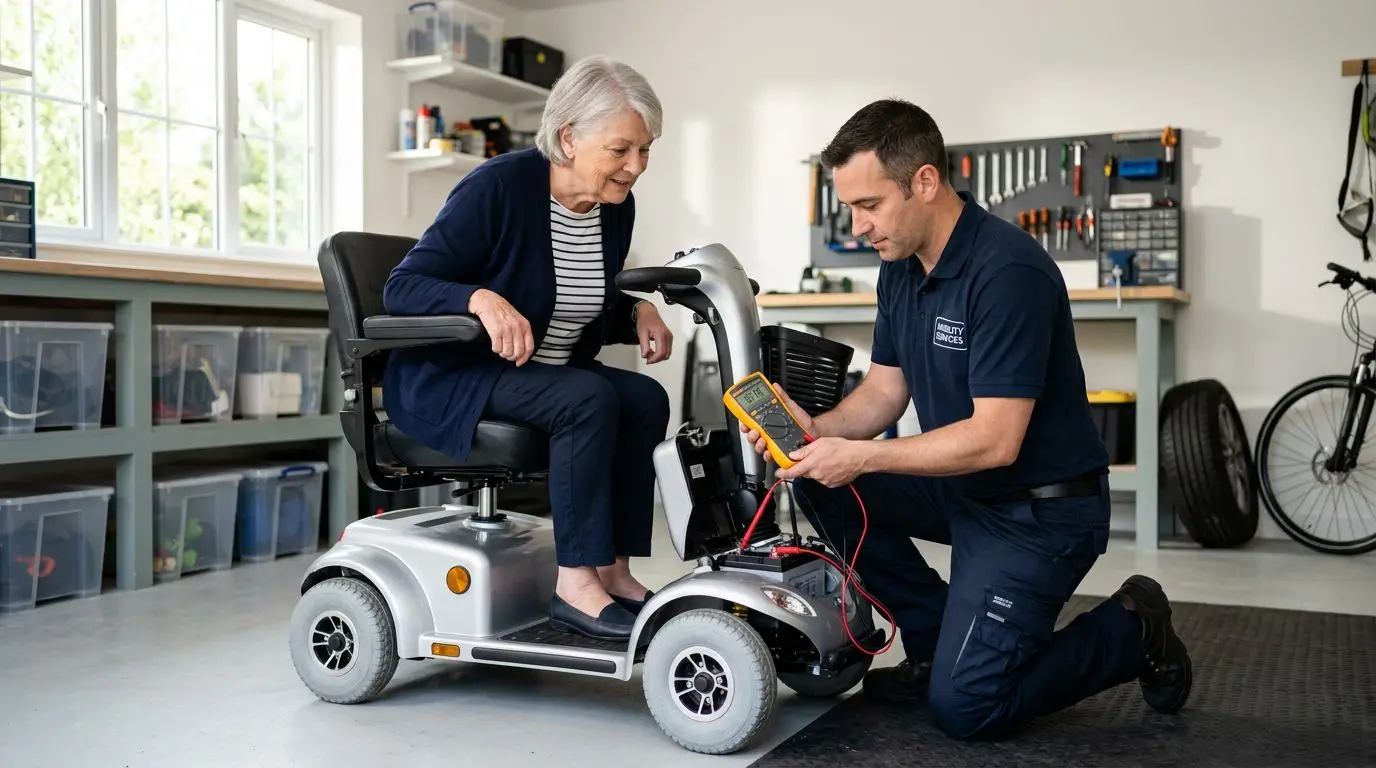
How to Tell If Your Mobility Scooter Battery Is Bad
14 min read